
 Gridbox Pro
Making your first bin
Gridfinity bins are measured in 42 mm grid cells. Choose how many cells wide and deep you want and set the height, and the bin updates in the 3D view as you go. You can change any number by holding the plus or minus button, dragging the number, or typing it in.
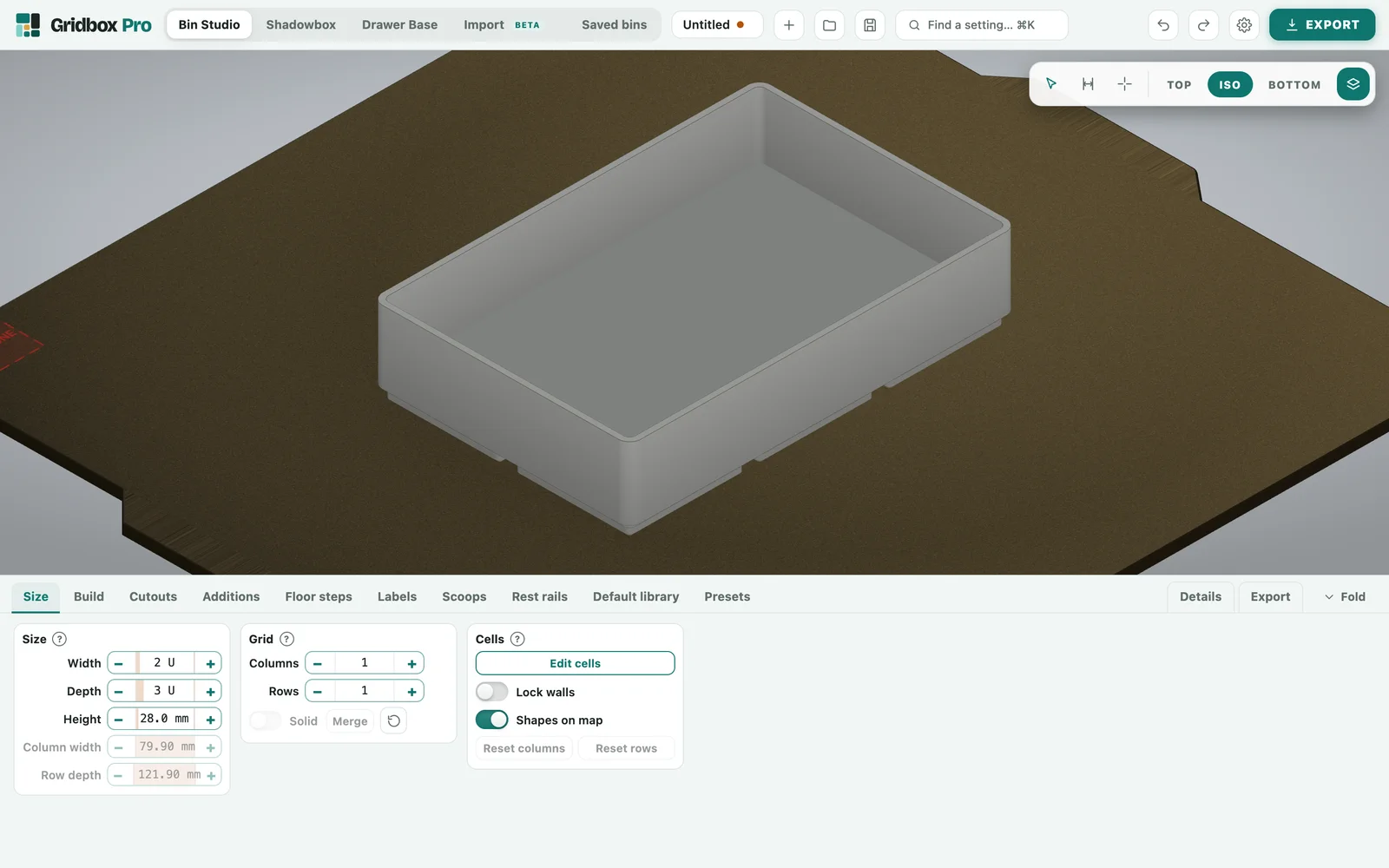
Cells
Click a cell to select it, and it lights up on the bin. From there you can fill the cell solid, add a shelf, or fill it with a ramp from the Floor steps tab.
Scoops, labels and rest rails
A scoop curves the floor so small parts slide toward your fingers. A label card gives the bin a printed name you can read from above. Rest rails run across the cells you choose, so a tool lies flat instead of rolling.
Presets and Saved bins
Save the whole bin into Saved bins to come back to later, or save just its cells as a layout in Presets to reuse. A saved bin opens exactly the way you left it.
Export
The Export tab lists the plate, the pieces and SnapSplit. Choose 3MF or STL, and see Files and export for what each one is for.